
RCS – Introduction
RCS messaging is an alternative option to SMS an MMs text messaging
RCS upgrades your texting experience on your phone by adding features that have previously only been available on messaging services like WhatsApp or iMessage.
Getting started
To create an RCS template, select Message templates on the home page or select the quicklink.
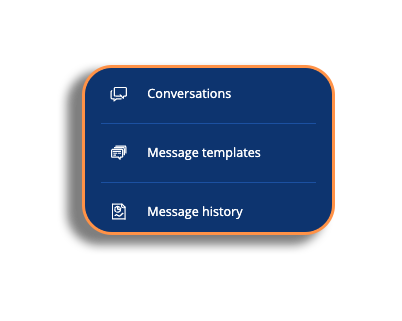
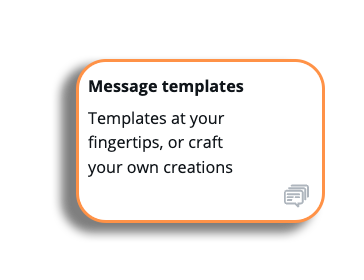
You will now be in the message template library. Select Create Template and in the Choose Template pop-up, select RCS.
Choose your template
The process of choosing your template starts with selecting your channel type. The pop-up will default to SMS, but select RCS to begin your template process.
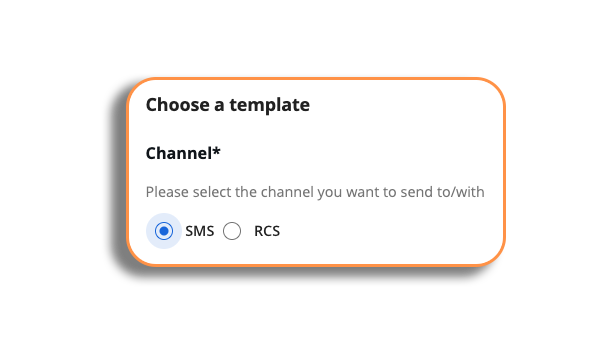
Please be aware: When you select the RCS channel, you will be prompted with information stating that the RCS channel is only available for sending via API.
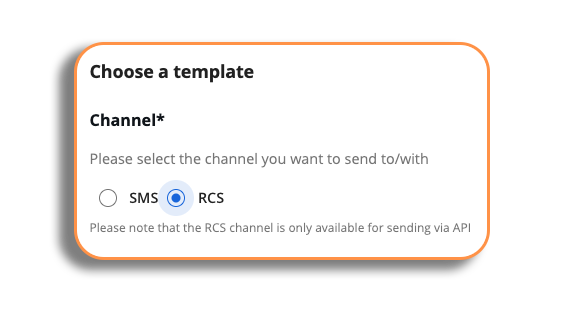
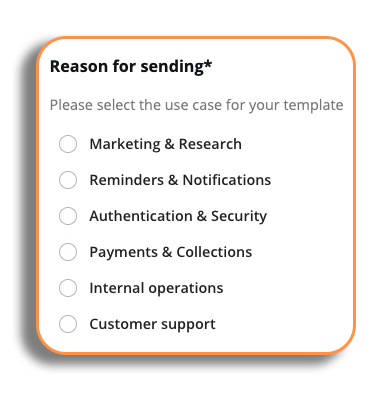
Your pop-up will now show the RCS options that are available to you. Select your reason for sending (similar to SMS), and then we will take a look at the template types.
Template types
When you select the RCS type on the template pop-up, you will have three options.
Please be aware: If SMS fallback is enabled on your account, it will appear during the setup.
- Text only: A simple message that only contains text.
- Media: Send a message which can include an image, video or audio message.
- Rich Card: Create a message with interactive elements (buttons, layouts, maps, links)
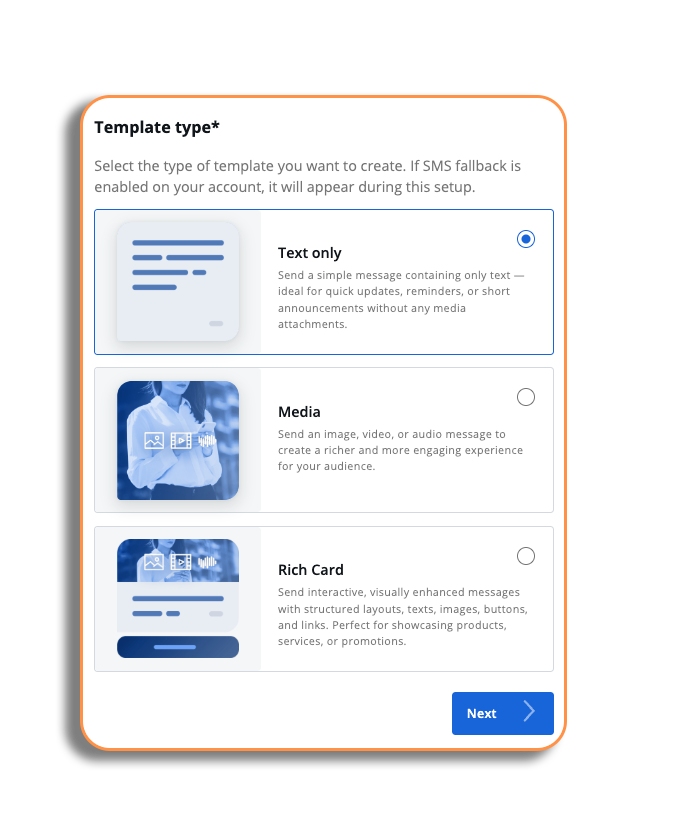
Once you have decided which RCS message you want to use, select and press the Next button.